Community First.
Survival Second.
Join a friendly, customized 7 Days to Die server with active admins, unique content, and a complete player Wiki that helps every survivor get started.
New Player Guide
Learn how to join, claim rewards, choose a mall plot, use teleports, and get established.
Join the Community
Get announcements, support, event information, and meet other Foggy Ridge survivors.
Find the Server
See the fastest way to locate Foggy Ridge Outpost and begin your first day.
Support Foggy Ridge
Compare monthly and one-time VIP options that help keep the server running.
Everything You Need Is in the Wiki
Learn the server at your own pace with clear guides for every important Foggy Ridge system.
Begin with the basics, then jump directly to mall plots, teleports, horde bases, autominers, commands, and other server features.
Join in Three Simple Steps
Find the server, save it to your favorites, and use the Wiki to begin your first day prepared.
Search Foggy Ridge Outpost in the 7 Days to Die server browser, then follow the steps below.
Built for Better Survival
No downloads required. No drop on death. 24/7 open traders. Friendly admins. Active Discord. A server that feels alive.
Custom Combat
Legendary weapons, boss zombies, zombie health bars, and unique server challenges.
Rings & Relics
150+ custom rings and relics to collect, use, trade, and build around.
Player Mall & Economy
Claim a mall plot, open a shop, earn Foggy Coins, and trade with the community.
Events & Horde Bases
Community activities, biome horde bases, casino fun, and server-wide events.
Owned by J-RiZ & CROSSS
A visible, active team focused on keeping Foggy Ridge friendly, fair, helpful, and drama free.







VIP Options Without the Clutter
Choose the support style that fits you. Full package comparisons are available on the donation page.
Vote Daily. Earn Rewards.
Every daily vote helps Foggy Ridge Outpost climb the server rankings and brings new survivors into the community. As a thank you, you'll receive free in-game rewards every time you vote.
How Voting Works
Click Vote for Foggy Ridge.
Cast your daily vote.
Join the server.
Type /vote to claim your rewards.
Daily Rewards
Quick Access
Vote & Claim Rewards
Help the server grow, then use /vote in game.
🗺️Open the Live Map
Check locations, routes, and the current server world.
Access the In-Game Shop
Join the server and type /link in chat.
Explore Foggy Ridge
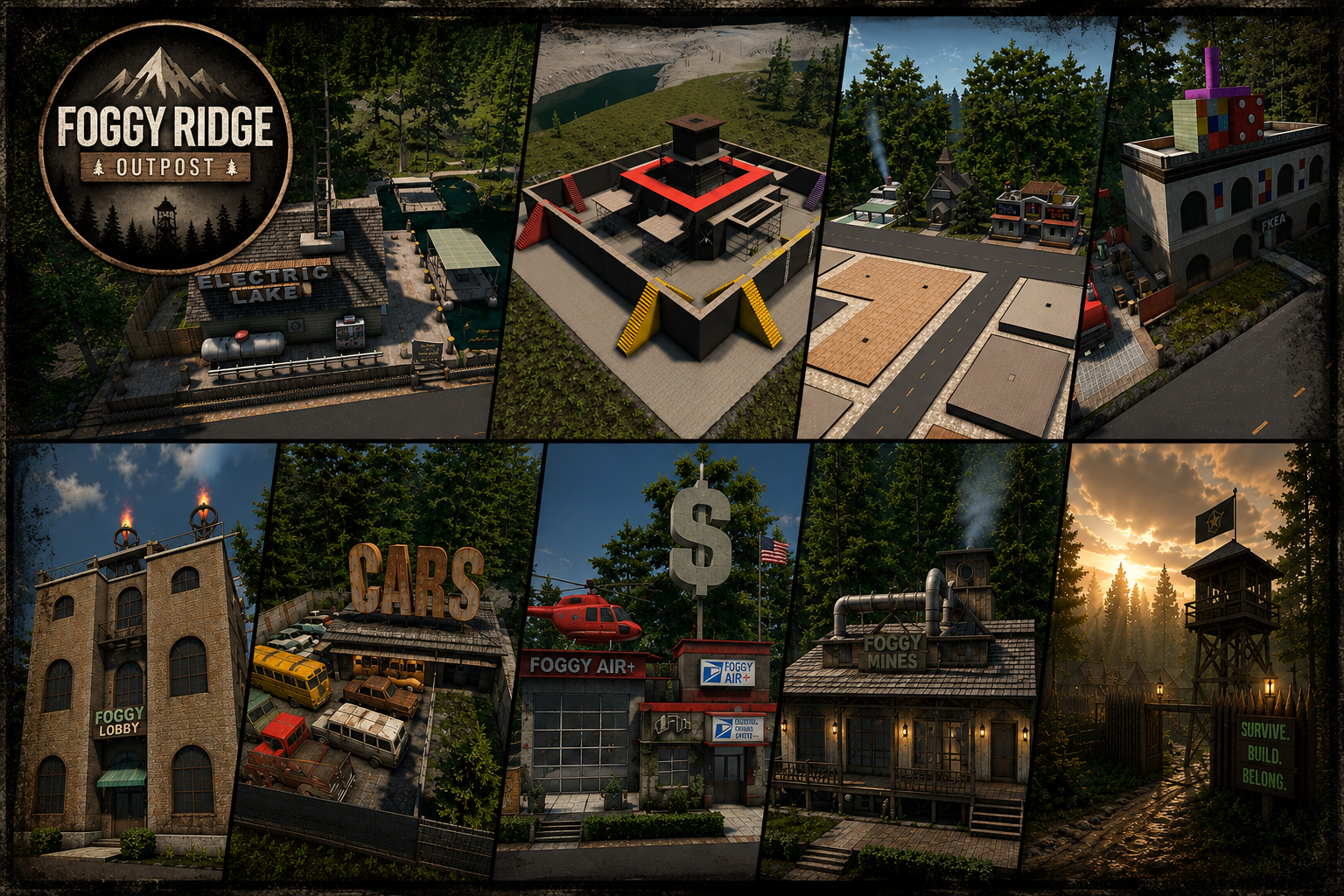
View the Foggy Ridge gallery image below!